Live View and the Dashboard
The switch in the header determines what the middle area shows.
| View | Shows |
|---|---|
| Rules | One rule in full. Used for building rules. |
| Dashboard | All cameras and values at once, as tiles. Used for monitoring. |
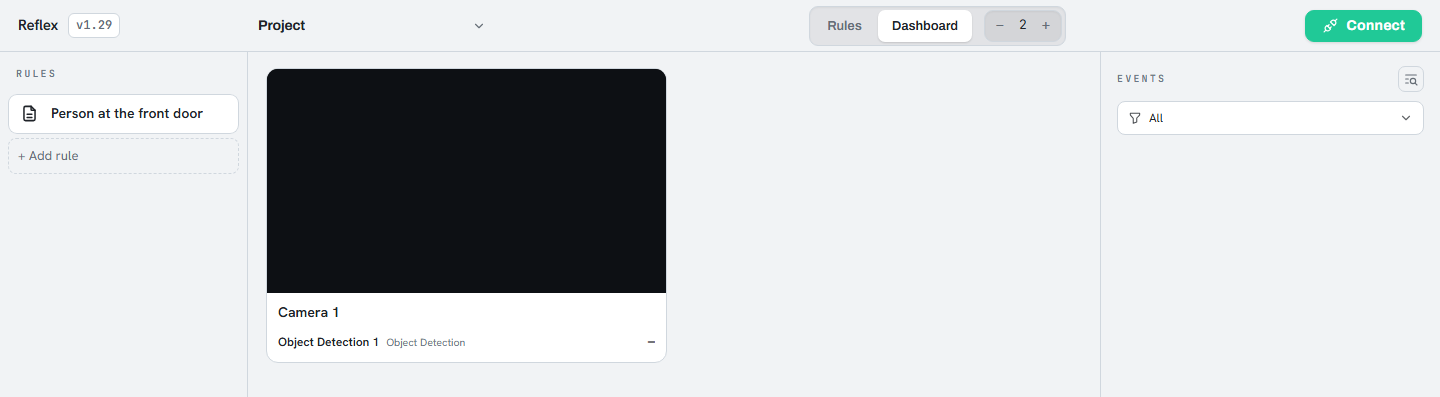
Video streams directly from the controller to the browser or phone without an intermediate server, and is shown only while connected and running.
Note
The dashboard is built from what the rules actually use. If it is empty, no rule has a
camera or value condition yet.