The Event Log
The right area lists recent detections, newest first. Filter by kind with the chips, or change the period with the time control above them: from the last 30 minutes to the last 7 days, plus today, yesterday, and a custom range.
This area is a summary. To view all records, click See all records in the log window.
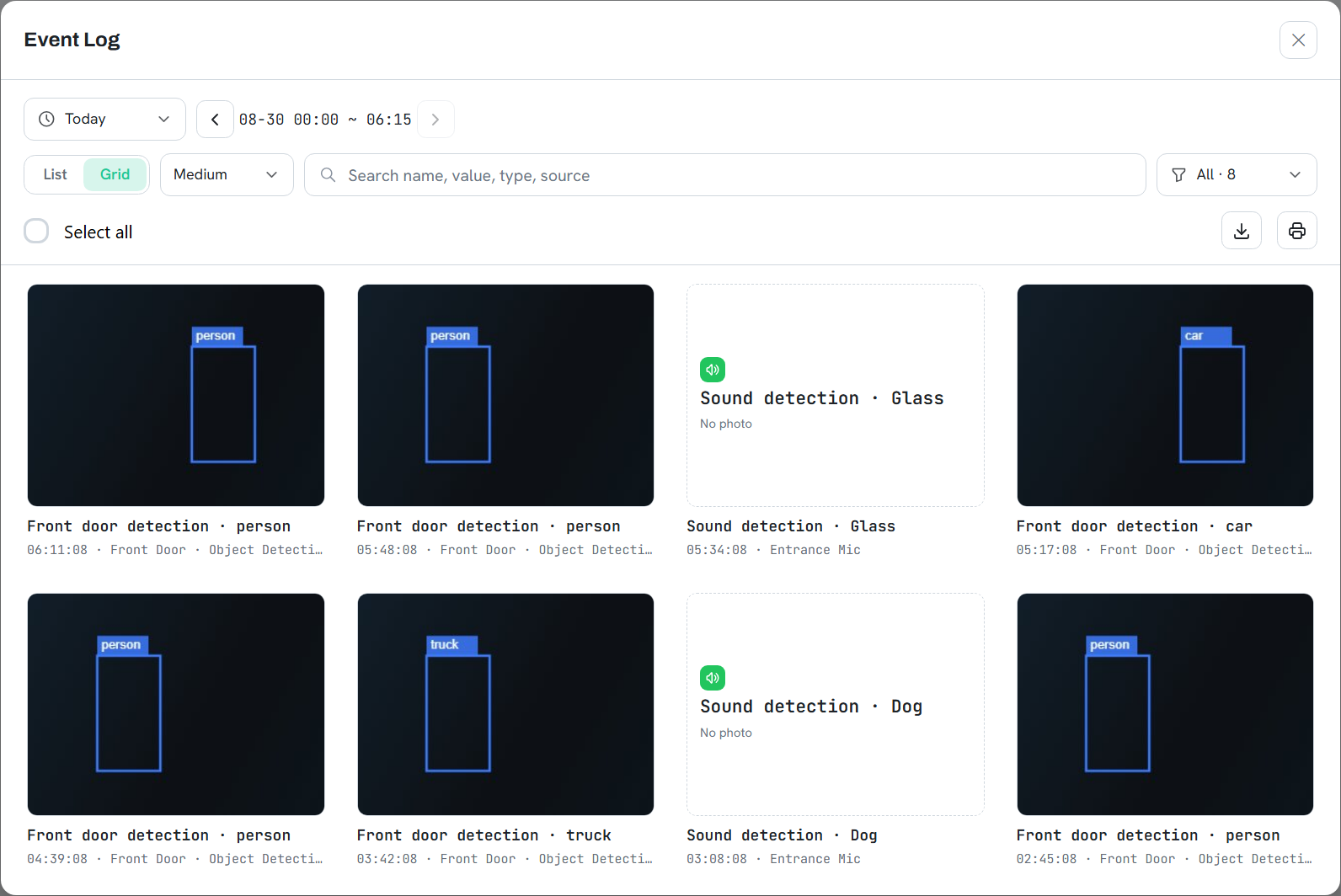
| Log window feature | Description |
|---|---|
| List · Grid | List shows time, name, type, source, and value in columns; Grid shows photos at three sizes. |
| Search box | Filters the list as you type, matching name, value, type, and source. |
| Arrows beside the period | Steps backward and forward by the same span. With the period set to one day, this allows day-by-day review without reselecting dates. |
| Export CSV | Exports the currently displayed records with time, name, type, source, and value. |
| Print report | Generates a printable report including the photos. |
Note
Records produced by face recognition, custom classification, or anomaly detection can be
corrected directly in the log, feeding the correction back into training. The model is shown
exactly the scenes it misjudged, under real lighting and angles. For videos, pause on the
desired frame first.
Caution
Deletion cannot be undone. Records are deleted by moment, so other entries written
at the same instant are deleted together. The confirmation dialog shows how many
additional entries are affected. Entries still recording are skipped; retry shortly.