Preparing the Jetson Nano Operating System
The Jetson Nano uses the official SD card image published by NVIDIA (Jetson Nano Developer Kit SD Card Image). Download it from the Jetson Nano Developer Kit getting started guide on the NVIDIA developer site.
- Prepare a microSD card (UHS-1) of 32GB or larger and insert it into the PC.If the PC has no microSD slot, use a USB SD card adapter.
- Launch balenaEtcher and choose the downloaded image file under Flash from file.
- Choose the microSD card under Select target and click Flash!.All existing data on the selected drive is erased, so choose the target carefully.
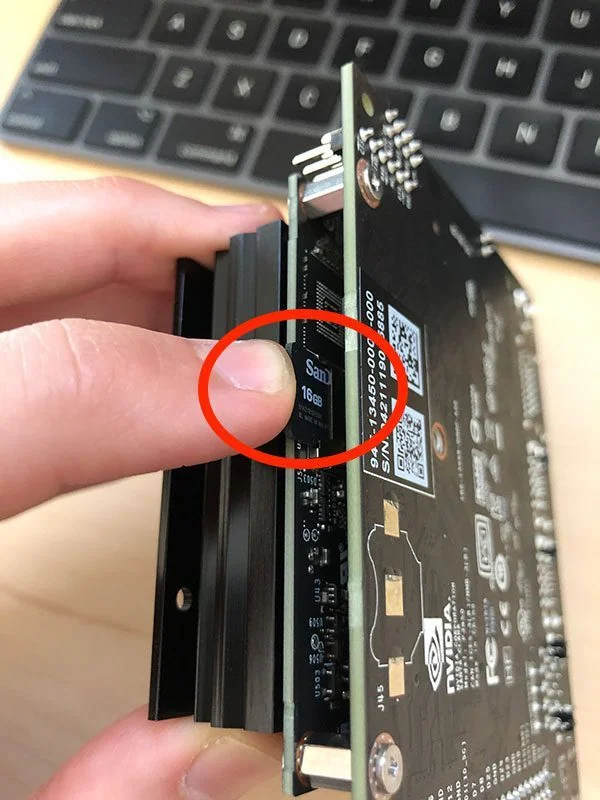
- When writing finishes, insert the microSD card into the Jetson Nano's slot and connect power to boot.
Caution
Before installing Grablo, check in NVIDIA's Jetson documentation that the official image's
operating system version meets the installation requirements (an Ubuntu- or Debian-based
Linux on ARM64) (Part 2). Unofficial images are not
recommended. For the Orin Nano and AGX Orin, follow NVIDIA's JetPack installation guide.