Connecting the Device
- Power on the device and wait about one minute.
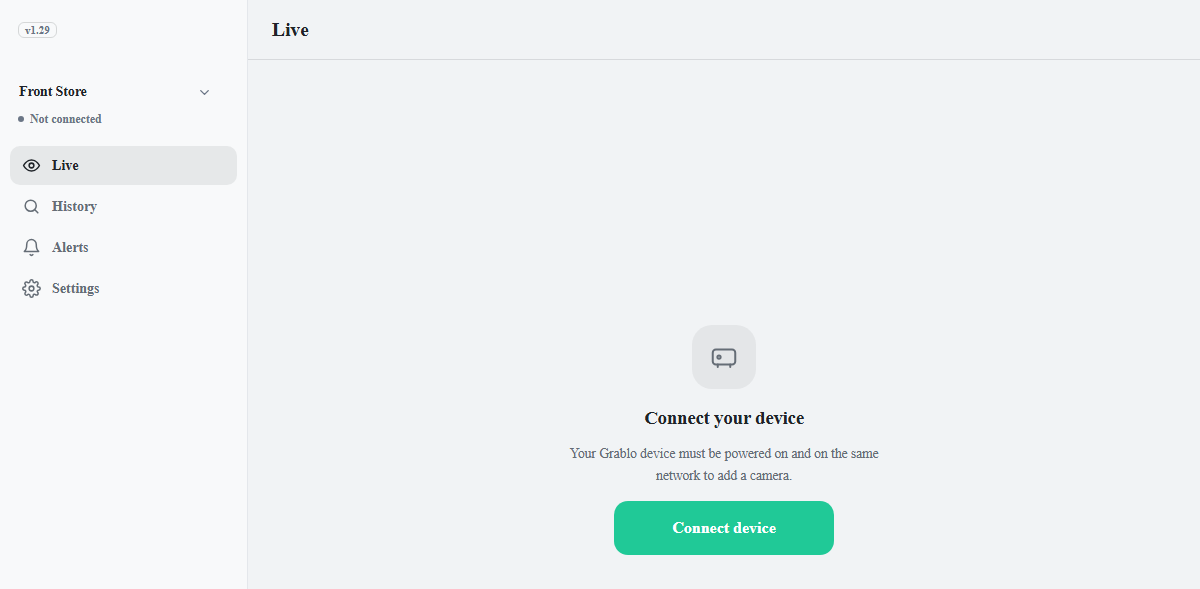
- Open the app. While there are no cameras and no device is connected, the Live tab shows the Connect your device screen.
- Click Connect device. The Device Manager window opens.
- When connecting for the first time, click Add first device. Devices on the same network are found automatically under Devices on Local Network.
- Select your device and click Add Device.
- Select the device in the list and click Connect.
Note
A device that has been connected once is connected automatically the next time the app opens.
To connect a different device, click the row showing the device name on the
Settings tab.