GPIO
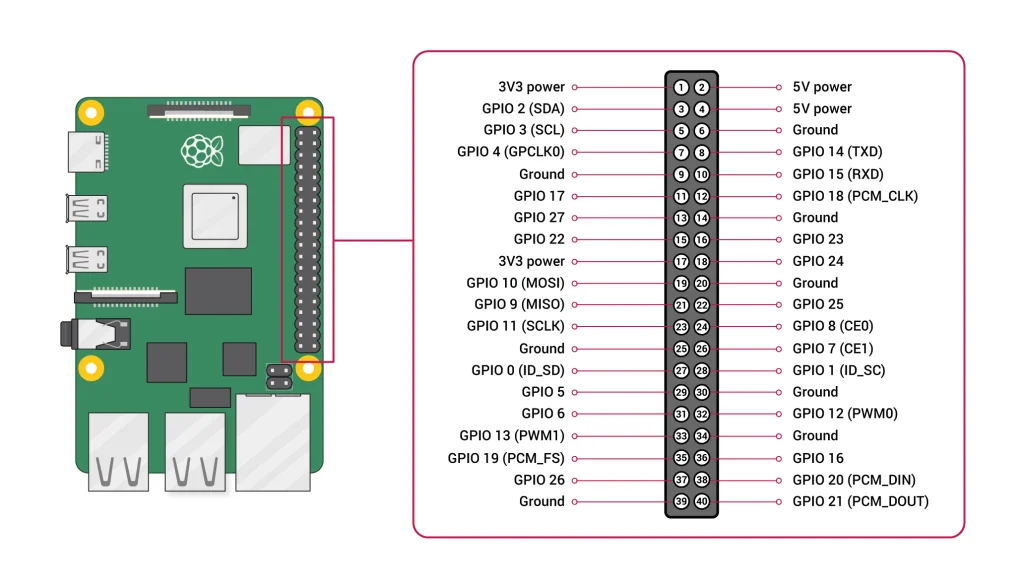
GPIO (General Purpose Input Output) is the set of general-purpose ports a processor uses to exchange signals with peripheral devices. Most single-board computers, such as the Raspberry Pi, provide a GPIO pin header like the one below, and Grablo controls devices wired to these pins as I/O devices. See the Appendix for each board's pin map.
Settings → GPIO configures the GPIO sample time and External GPIO. The sample time is the interval at which GPIO inputs are monitored; shorter values are more precise but use more CPU, and the setting appears only when the project device is a Raspberry Pi (0~4). The choices are 1, 2, 4, 5, 8, and 10μs, and 5μs suits most cases. This interval sets the precision of devices that watch GPIO input transitions, such as PWM monitoring and the high-speed counter, so a change shorter than the sample time is not detected. At 5μs (5 microseconds, 200,000 samples per second), for example, an input change shorter than 5μs cannot be detected.
External GPIO
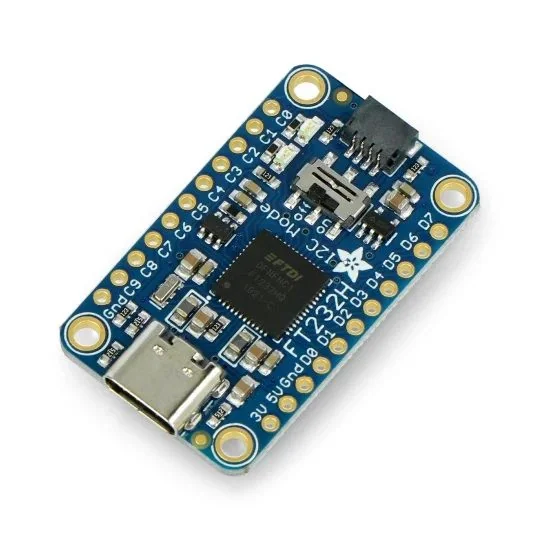
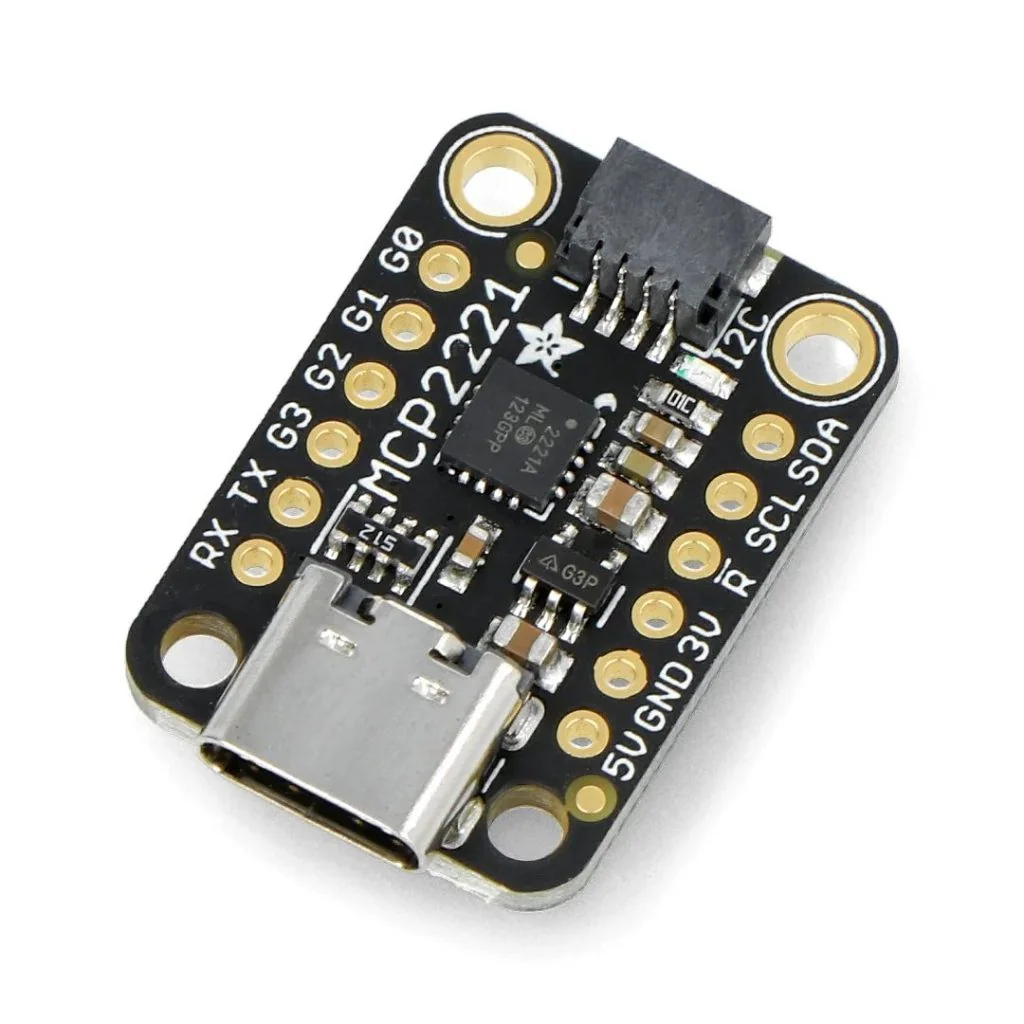
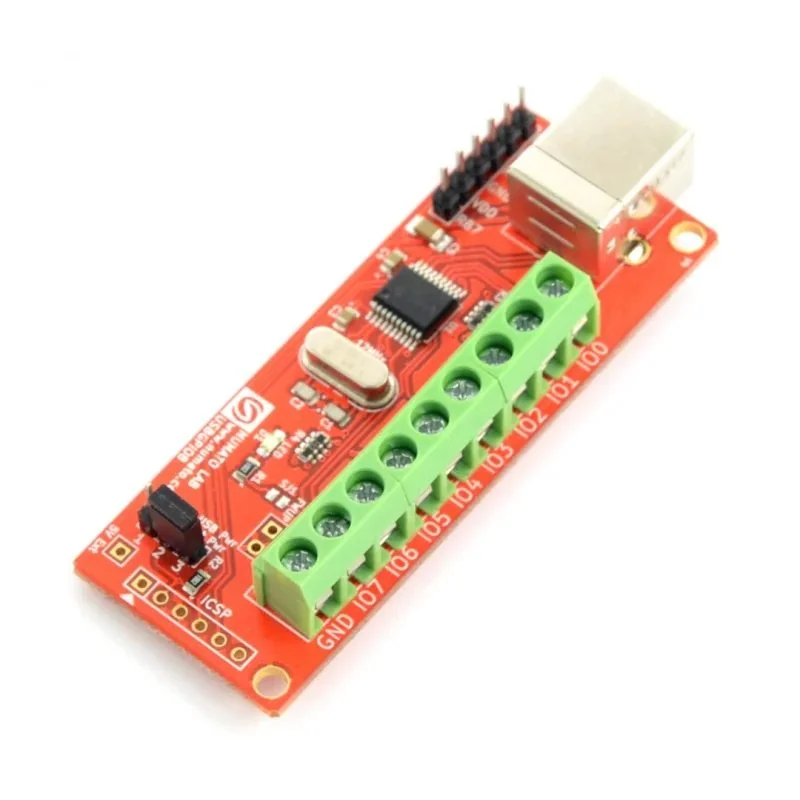
Controllers without GPIO pins, such as ordinary PCs, and boards that have run out of pins can register FT232H, MCP2221, or NUMATO USB-GPIO adapters under External GPIO. Any number of adapters can be added regardless of type. See the External GPIO adapter table in the Appendix for each adapter's pins and features.
| Field | Description |
|---|---|
| Name | A name to tell the adapter apart. Any name can be used. |
| Type | FT232H (the default), MCP2221, or NUMATO. |
| Index | Shown for FT232H and MCP2221. A number (0 to 255) that tells apart several adapters of the same type; the scan button lists the devices connected to the controller. With a single device, keep the default (Device 0). |
| Model | Shown for NUMATO. Choose the model matching the channel count, from USB-GPIO 8CH + ADC (the default) through 16CH, 32CH, 64CH, and 128CH + ADC. |
| Serial Port | Shown for NUMATO. The serial port the adapter is connected to; find it with the search button or type it in (e.g. COM3 on Windows, /dev/ttyACM0 on Linux). |
On a Linux controller, the following command in a terminal or SSH session shows the
serial port of a NUMATO adapter. With a single NUMATO adapter and no other serial device
attached, it is /dev/ttyACM0.
dmesg | grep ttyACM