Storage
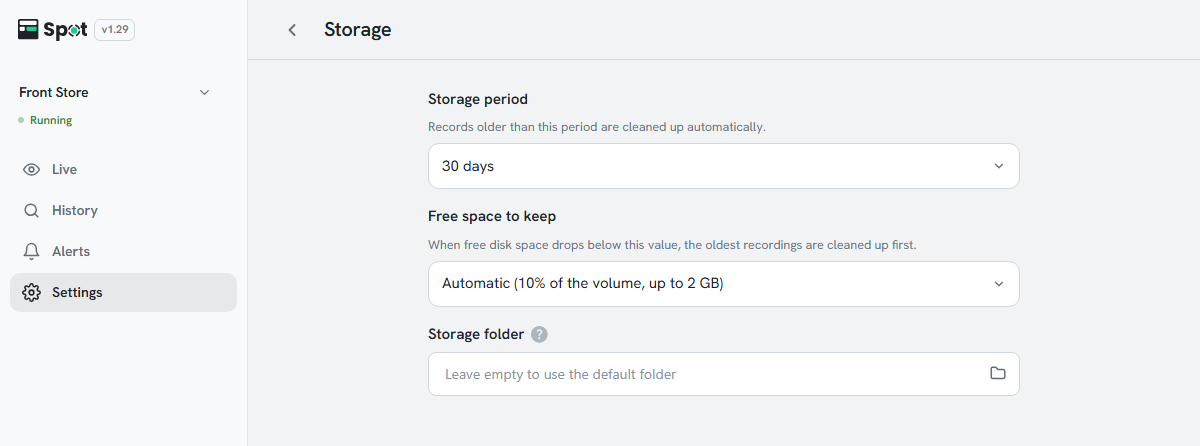
| Setting | Description |
|---|---|
| Storage period | How long recordings are kept: 7, 14, 30, 60, 90, or 180 days. Once the period passes, the photo, the video, and any face data in the recording are deleted automatically. |
| Free space to keep | When free disk space falls below this value, the oldest footage is cleared regardless of the storage period. Choose Automatic (10% of the volume, up to 2 GB) (default), 512 MB, 1 GB, 2 GB, 5 GB, 10 GB, or 20 GB. |
| Storage folder | Where recordings are written. Leave it empty to use the default folder. Set it when using an external drive. If you change the folder, recordings and logs already saved are not moved and stay in the previous folder, and the screen reloads after saving. |
Note
A longer period uses more storage on the device. Usage depends heavily on the number of
cameras and how busy the site is, so reviewing actual usage for a few days after
installation before settling on a value is recommended.
Note
Free space to keep and Storage folder
appear on device software 1.29.2 and later. If they are missing, update the device to the
latest version.