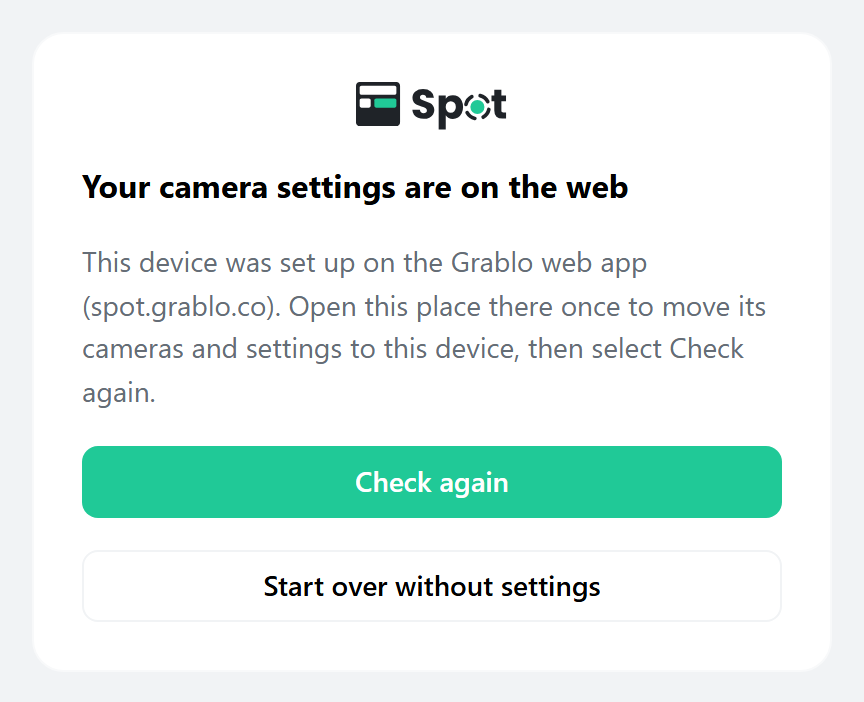
When "Your camera settings are on the web" Appears
If you previously set up the device on the web (spot.grablo.co), Your camera settings are on the web appears after you sign in to the local screen. This means the place's camera and action settings are still on the web and haven't moved to the device yet.
- At spot.grablo.co or in the Grablo app, open the place this device is connected to. You only need to do this once. When the app connects to the device, the settings move to the device automatically and the app reloads.
- Return to the local screen and click Check again.
From then on, the local screen and remote access show the same place.
Caution
Clicking Start over without settings creates a new, empty place on the device. The web place's cameras and settings aren't copied.
The next time you open that place on the web, you're asked which settings to use (see When the device has settings for another place).